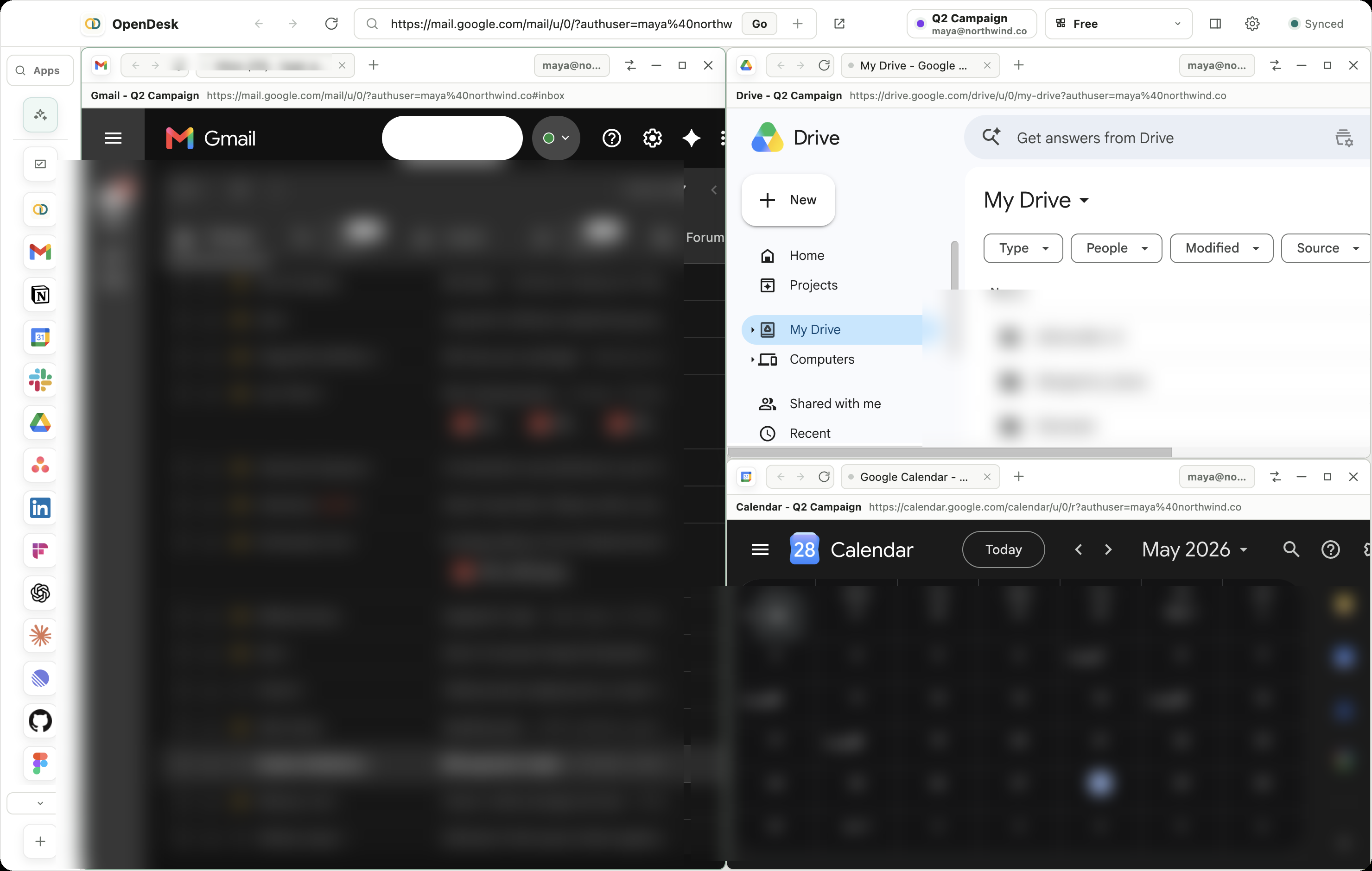
Pane frames, z-order, minimized state, tabs, and active account come back with the project — to the pixel.
Local-first workspace browser · v0.3.8
The workspace
The workspace
that remembers
everything.
OpenDesk saves each project as a live desktop of web apps, accounts, panes, tabs, and AI context. Reopen the full window, exactly intact — no syncing, no cloud, no telemetry.
Free 30-day trial · Also available for Windows
See OpenDesk in action.
A quick tour of the workspace, the apps, and the agents that do the research for you.
-
Workspace
Your whole project, one screen
Brief, research crew, and tasks tiled side by side — exactly the way you left them.
-
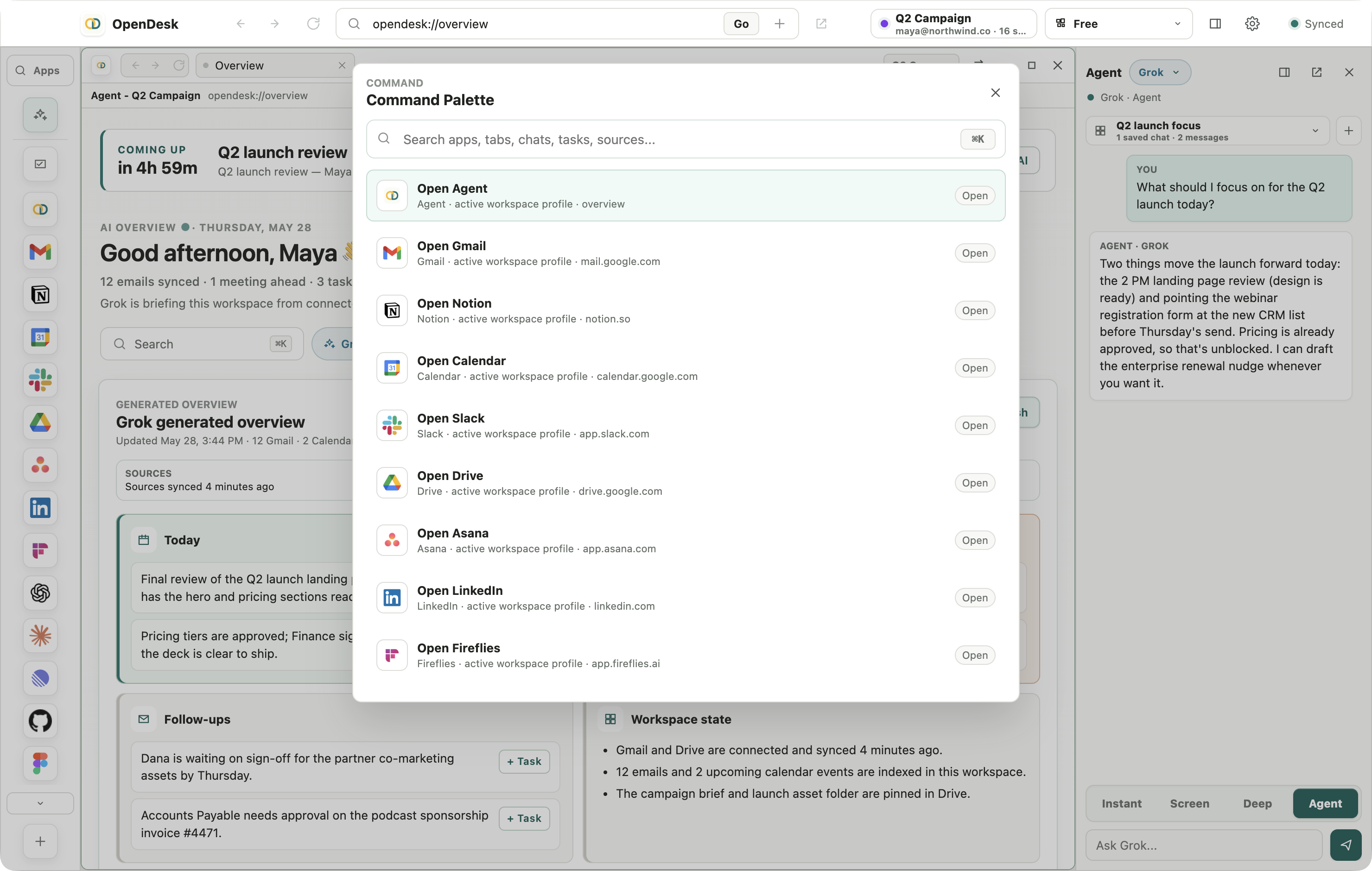
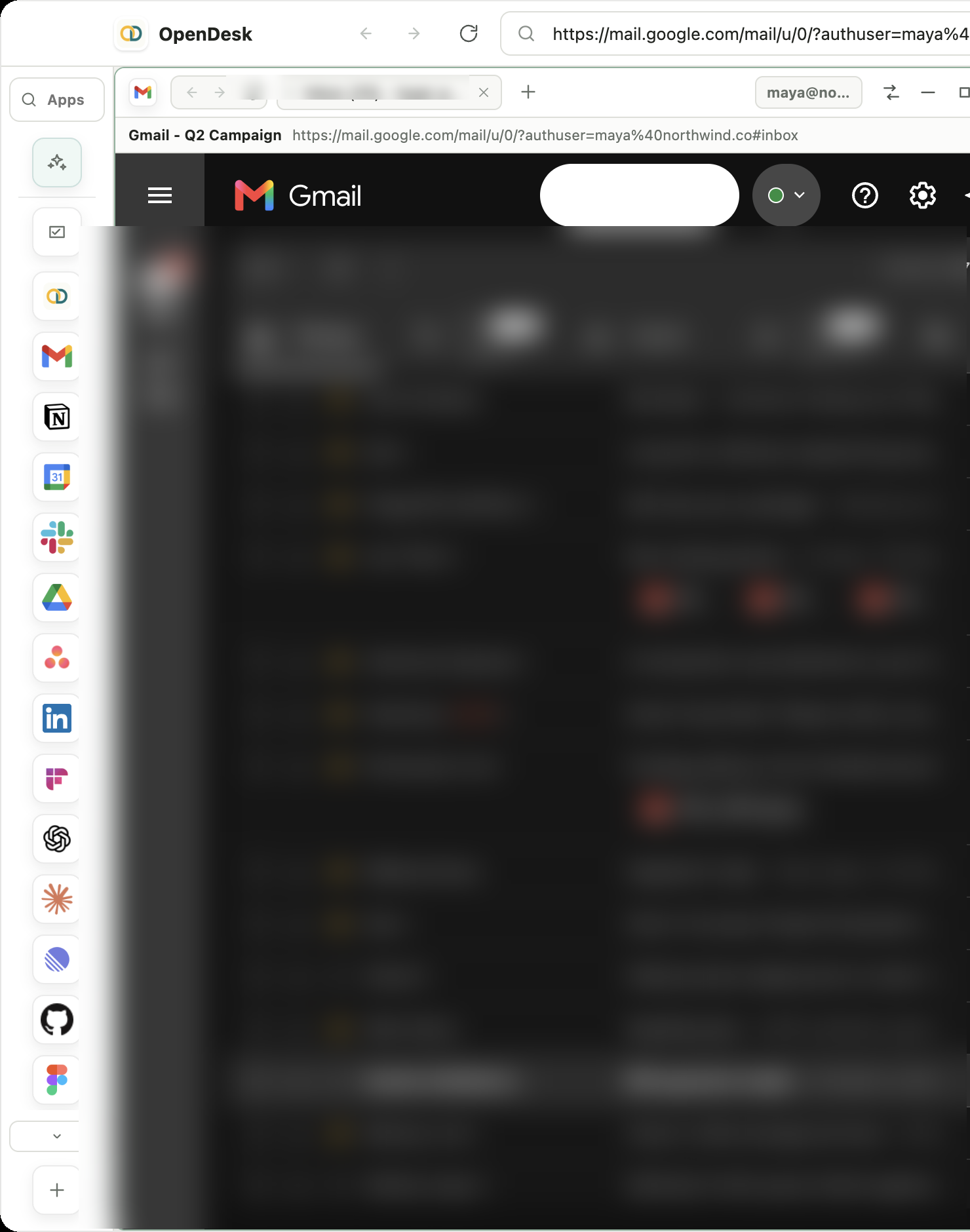
Command bar
Open anything from one keystroke
Gmail, Slack, Notion, Linear and dozens more — each in its own isolated session, a ⌘K away.
-
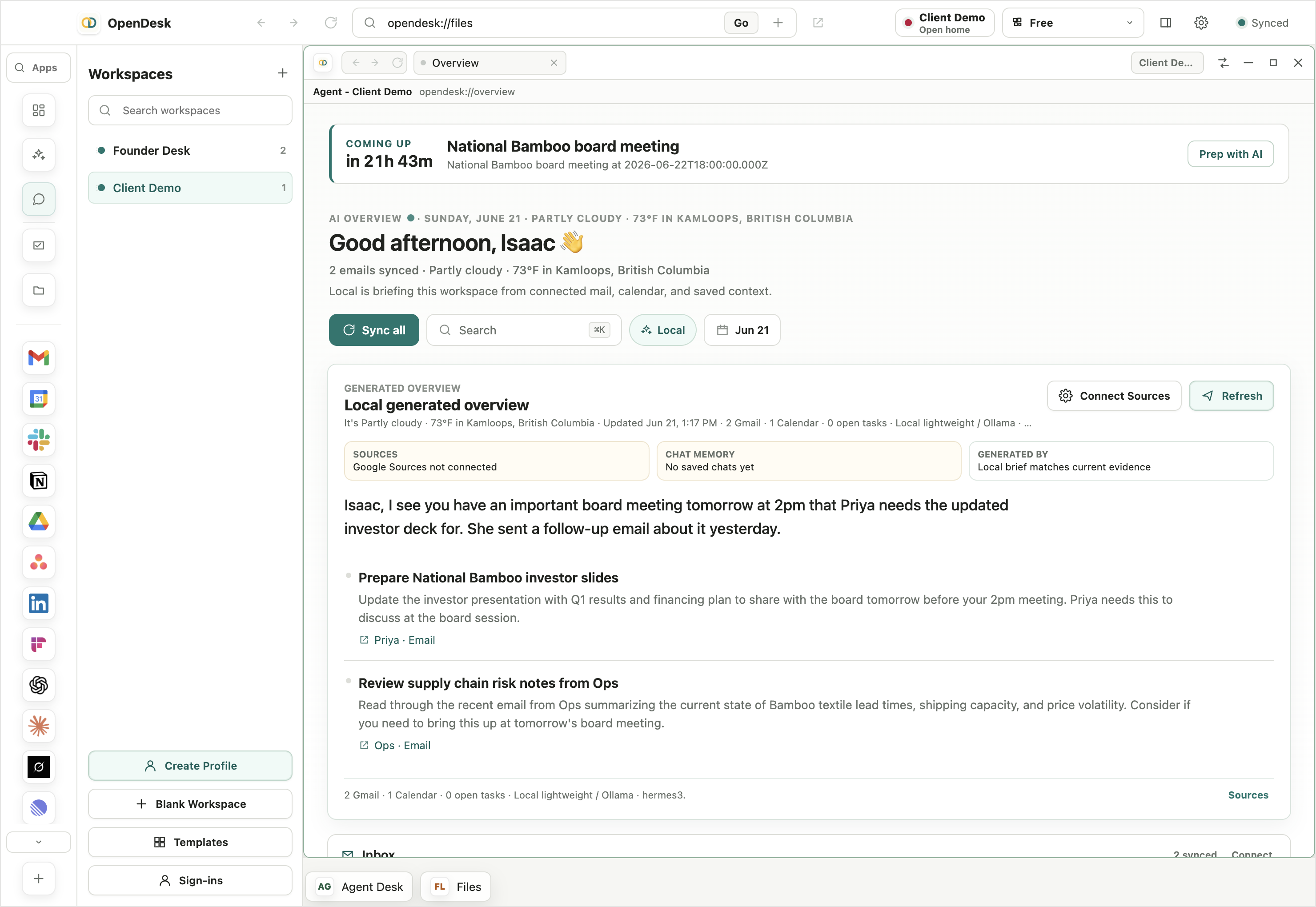
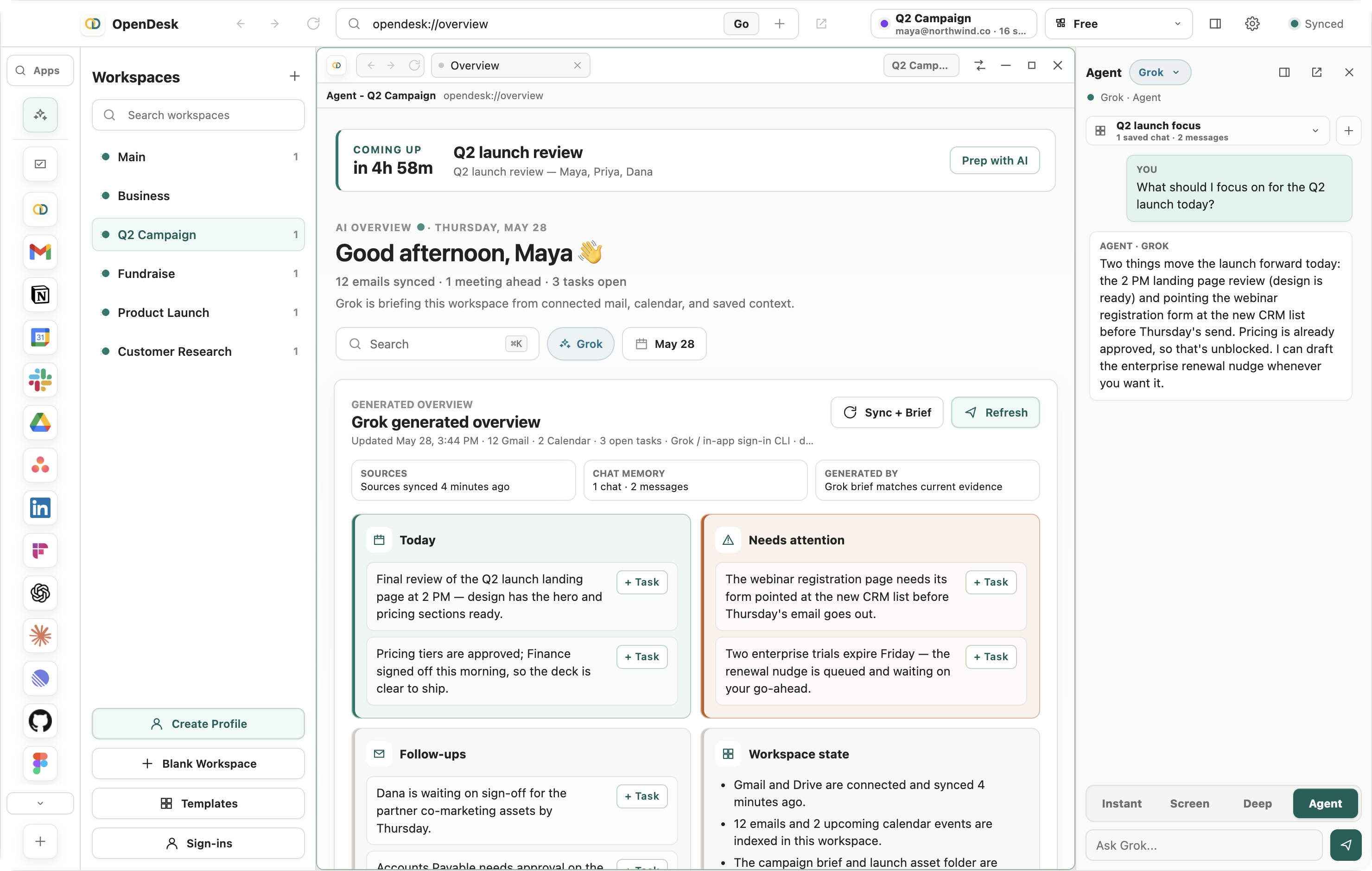
Daily brief
Your morning brief, written for you
What's urgent, what's on your calendar, and what to do next — pulled from your mail, meetings, and notes.
-
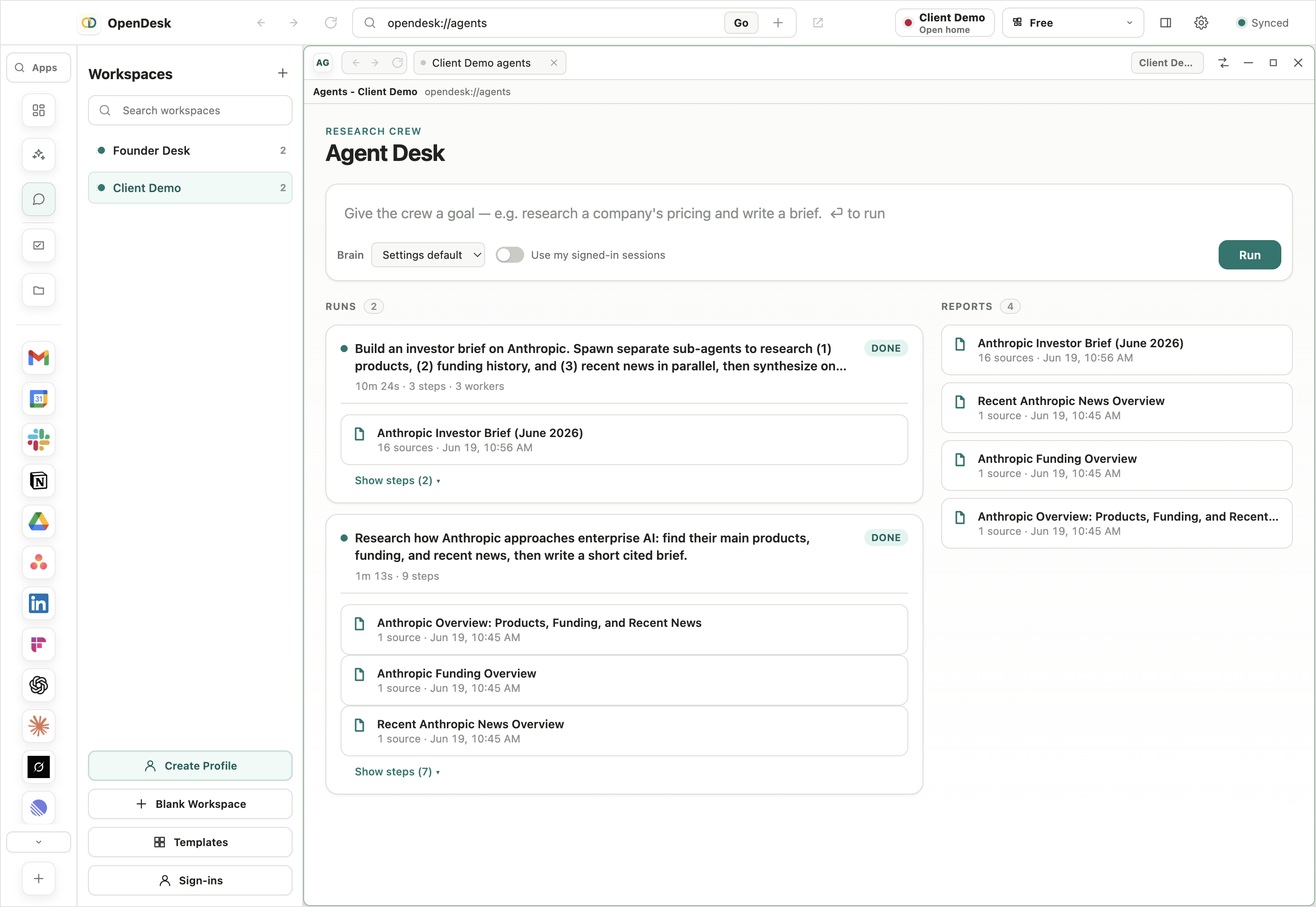
Research crew
Agents that do the research
Give the crew a goal and a lead agent spins up sub-agents that search the web, read pages, and pull from your apps.
-
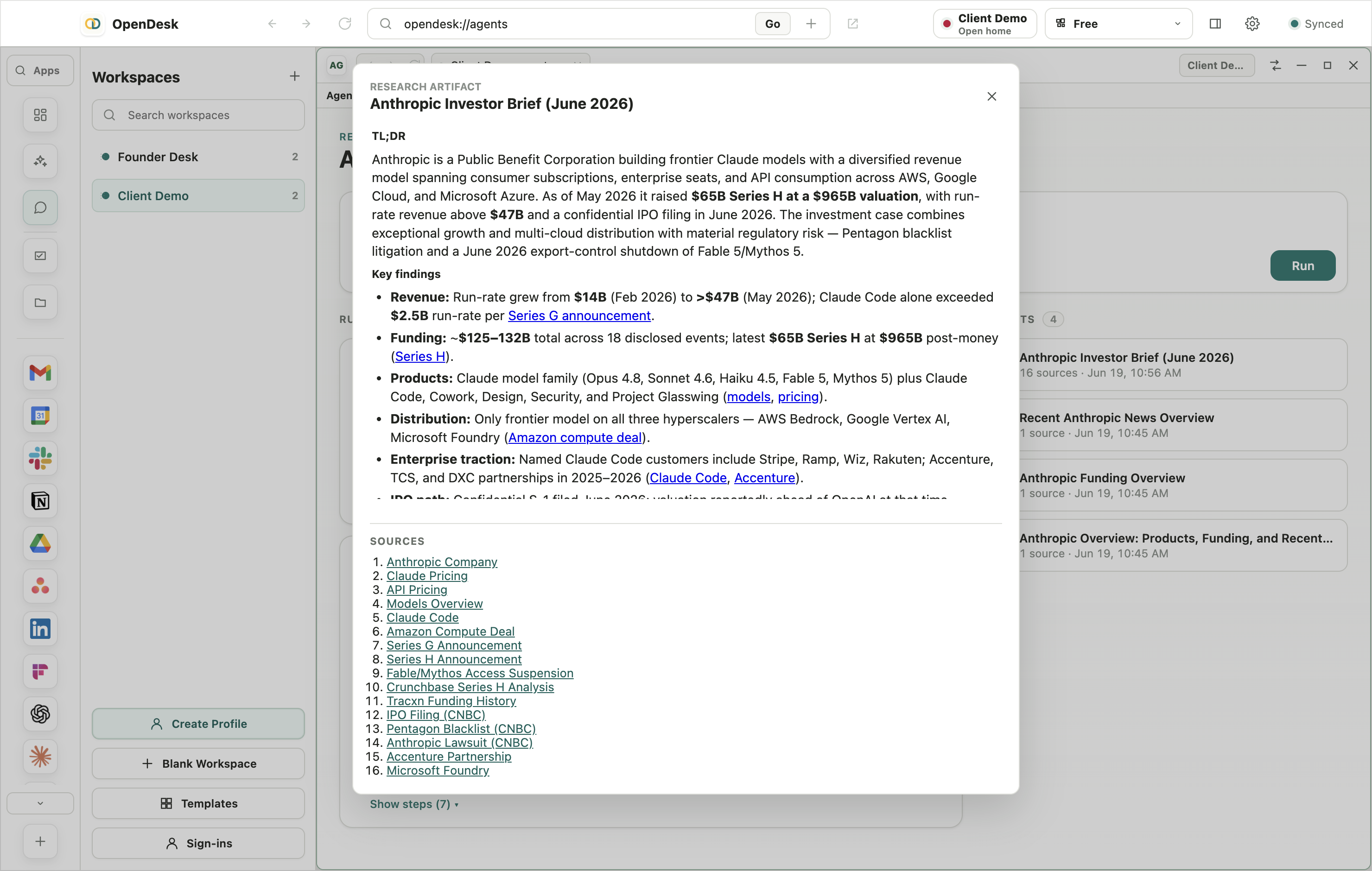
Cited results
Briefs with real sources
Minutes later you get a written brief — and every claim links back to where it came from.
-
Workspaces
Switch desks instantly
Every project is a saved desktop of apps, accounts, tabs, and context. Jump between them without losing your place.
Gmail
 Calendar
 Drive
DriveSlack
 Notion
Linear
GitHub
Figma
Asana
 Zoom
Zoom ChatGPT
Claude
One desk for every project.
Stop rebuilding your workspace from scratch every morning. OpenDesk captures the full shape of your work — and brings it back in a single click.
-
01
Open your apps
Launch the web apps you need. Sign in with the right accounts — each pane gets its own isolated session.
-
02
Arrange the desk
Resize, stack, and z-order panes until the layout feels right. Snap Assist gives you balanced, focus, columns, and grid.
-
03
Save the workspace
OpenDesk captures every detail — tabs, sessions, layout state, window frames, and notes — locally.
-
04
Pick up anywhere
Reopen a project and the entire desk returns. Same accounts. Same panes. Same context.
-
05
Work with context
Agent Chat, Command Palette, and Notes live inside the workspace — never leave the flow to think.
02 · Sessions
Every account, perfectly partitioned.
Each pane runs in its own Chromium partition. Cookies, logins, and local storage never cross. Open three Gmail accounts at once — they don't know about each other.
- Per-pane session isolation
- Multiple accounts of the same app, side by side
- Account-aware Gmail and Google Workspace targeting
- Tab groups and window frames preserved exactly
- z-order, minimized state, and active accounts saved
Mail A, Work, Client, and Personal stay isolated even when the same app appears twice on the same desk.
Move a workspace setup between machines without moving login cookies or hidden browser data.
03 · Privacy
Local-first by design.
OpenDesk runs entirely on your machine. Your data, your sessions, and your AI context never leave the device unless you explicitly export or wire up a hosted model.
- Runs fully offline after install
- All workspace data stored locally on disk
- Local Agent Chat for context-aware commands
- Export and import setups securely
- You are in control, always
Storage
Workspace data written to the local OpenDesk layout store.
Sessions
Each account runs in its own persistent Chromium partition.
AI context
Agent Chat uses saved metadata and explicit readable captures.
Transfer
Exports include setup metadata, not browser login sessions.
Telemetry
None. Ever.
Accounts
No OpenDesk account required — your machine is the account.
Free while we’re in beta.
Both plans are free for now — download and use everything, no card required.
Solo
For one operator- Unlimited projects
- Unlimited panes
- All Snap Assist layouts
- Local Agent Chat
- Import / Export
- Priority updates
Studio
For small teams- Everything in Solo
- Team setup import / export
- Shared layout templates
- Advanced layout snapping
- Priority support
- Founder seat management
Take back your desk.
OpenDesk runs on macOS 14+ (Apple Silicon) and Windows 10+. Free to try, 30 days.
Installing on macOS
-
1
Open the disk image.
Double-click
OpenDesk-0.3.8-mac-arm64.dmgin your Downloads. A window opens showing the OpenDesk icon and your Applications folder. -
2
Drag OpenDesk into Applications.
Drag the
OpenDeskicon onto theApplicationsfolder — the arrow shows the way. Then eject the disk image. -
3
Open it.
Open OpenDesk from your Applications folder. macOS verifies the (notarized) app on first launch — click Open when prompted.
If macOS won't open it ("OpenDesk can't be opened"): right-click (or Control-click) the app and choose Open → Open. Still stuck? Go to System Settings → Privacy & Security, scroll to the bottom, and click Open Anyway.